Your Mobile Inventory Tracking Solution
Thank you for your interest in our app.
This page serves as a rough introduction for beta testing purposes.
Here, you will learn the purpose of the app, how to use it, and requirements for your feedback.


PURPOSE AND FEATURES
Stay in control of your distributed items, no matter, their location. trac-it keeps a record of your deployed equipment so you can worry about other matters when your items are out of your direct control.
Increase loss prevention by storing a record of your item’s last known position, trac-it provides you with peace-of-mind security.
Entering data is quick and efficient.
Recalling an item’s settings is as easy as pointing your phone’s camera at each items’ QR code. Photos and voice memos can be recorded quickly to preserve details and note-taking is efficient.
trac-it can manage 1000s of items across multiple locations. Searchable data makes for quick verification to keep you on track with your inventory.



INSTALLATION INSTRUCTIONS
trac-it has been built for various use applications.
While the app is primarily designed for a single user, you can add team members and track 1000s of items across multiple regions and geographic territories.
Follow this link to set up your account.
Choose an initial level of service. Create a login and open the app.
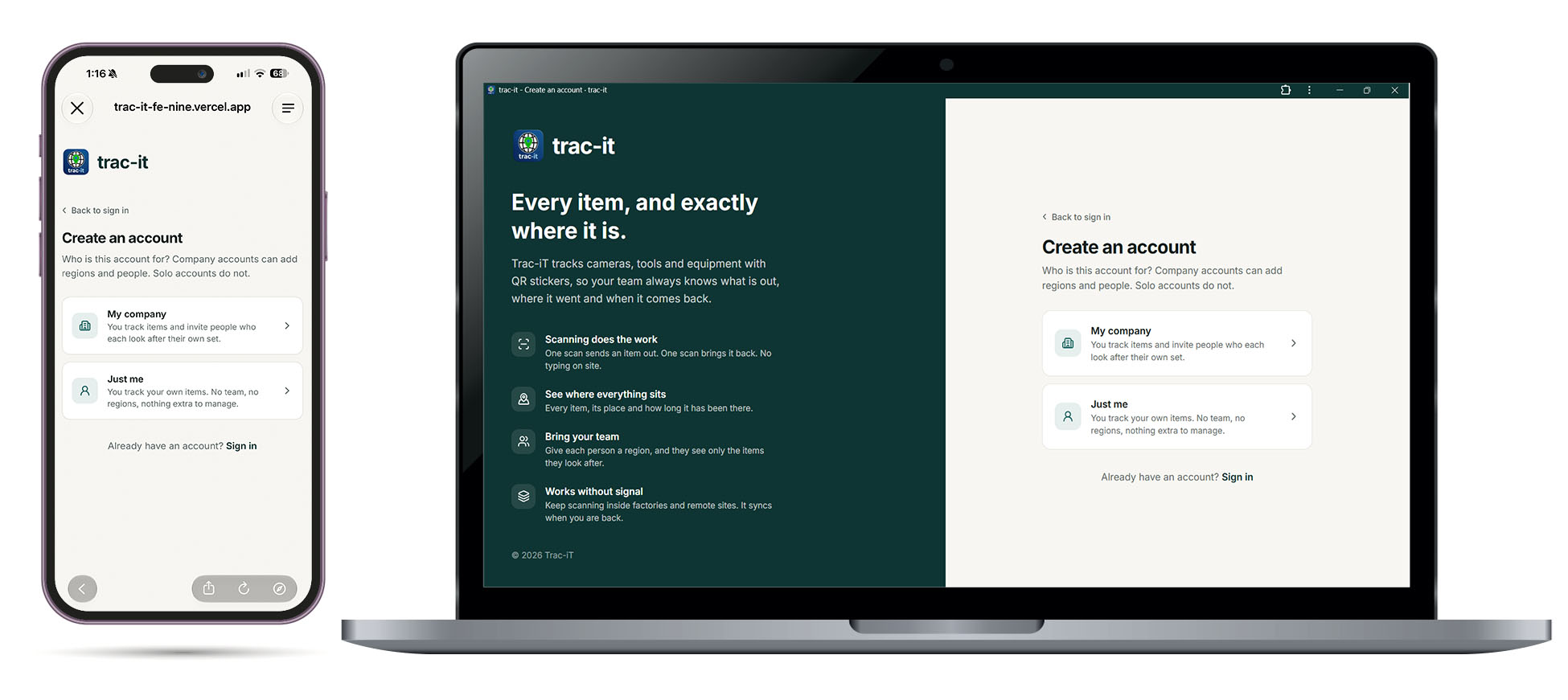
For mobile use you will be prompted to save the webpage to your homescreen the first time you login. The app will save to your phone’s app library. Going forward, run it from the icon on your home screen. For desktop/laptop use you will be prompted to save a weblink to your desktop.
APP OPERATION INSTRUCTIONS
The first screen you see when you open the trac-it app is the home screen. At the top, you will see a SEARCH BAR to search for any items in your Inventory. As you build your inventory, you will see a count total of all of your items, listed as AVAILABLE, DEPLOYED, and other various condition states, including lost and defective items. Your 5 most recently active items are displayed on this screen as well.
Watch the video below to get a thorough walk-thru of the app.


The 2nd screen lists all your items in your Inventory. It is searchable and can be organized by various item and condition types, such as availability, items that are deployed, or sorted into other categories. To the right of the search window is a BULK ITEM button that will allow you to choose specific items in your inventory and bulk change their status. Choices include RECLAIMING, marking as LOST, FOUND, DEFECTIVE, need of REPAIR, or even to delete and remove items from your inventory.
You will find the QR code scanner at the centre of the bottom toolbar when using the app on your mobile device. This will allow you to quickly scan and access the edit screen for any item in your inventory. This is achieved by assigning a unique QR code to each item you wish to track. For items without a QR code you can recall them in the item list or with the search bar.


The third screen shows all of your deployed items. They are grouped by place, or another collective category type, like the name of a person who has borrowed your items, a specific event, or activity. You can change the default “PLACE” label to a title of your choosing on the Settings page.
All of your items that have been deployed to one particular place or event will be grouped together.
When you DEPLOY an item, you will be asked to name the place or activity where it is going such as Joe’s Garage. You will also be asked where the specific LOCATION of the item in that place like 3rd shelf above the workbench.
You can add a SITE MAP image and pin the location of the item on the site map. You can also add a reminder to notify you at a future time and date to recollect the item.
You can take a PHOTO of the item in the location where it is being left, as well as record a VOICE MEMO with additional details about its status. You can type specific NOTES, as well as add a CONTACT name and number where the item can be found.
There is also a QUICK DEPLOY function that requests less input information when you are quickly moving un-monitored items throughout the workday for short periods of time.
All of your deployed items are sorted on the Deployed page by the collective location where they can be found.


The final screen is the Settings Menu This page will allow you to export or import CSV data to quickly move large inventories of items in and out of the app. You can report a bug or request a feature for future improvements of the app.


MOBILE IN THE FIELD, REFINE IN THE OFFICE
trac-it has been designed for easy mobile use, but you can also manage your inventory on a larger desktop screen when seated at a computer.

RESOURCES
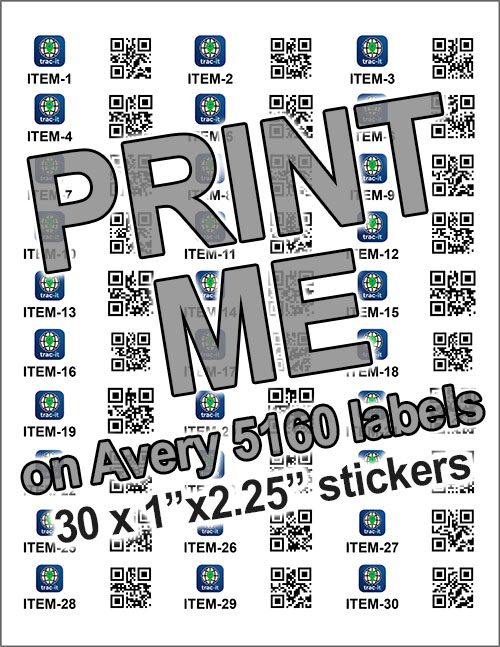
To get you started we have created a PDF file for you to print generic QR codes to your test items.
Download and print this file. SAMPLE QR CODES
Trim the codes and attach each code to items you are testing. When you scan each new QR code the app will create a new item in Inventory. Give the item a name. For best practice group similar items with the same name prefix title, add a hyphen and then assign a number to each item in succession. eg. Chair-1, Chair-2, Chair-3, Chair-4. This will help keep the database tidy so all items that are a Chair are grouped as 1 type. This makes searching for same type items more efficient.
CATERED FOR THE CONSTRUCTION INDUSTRY
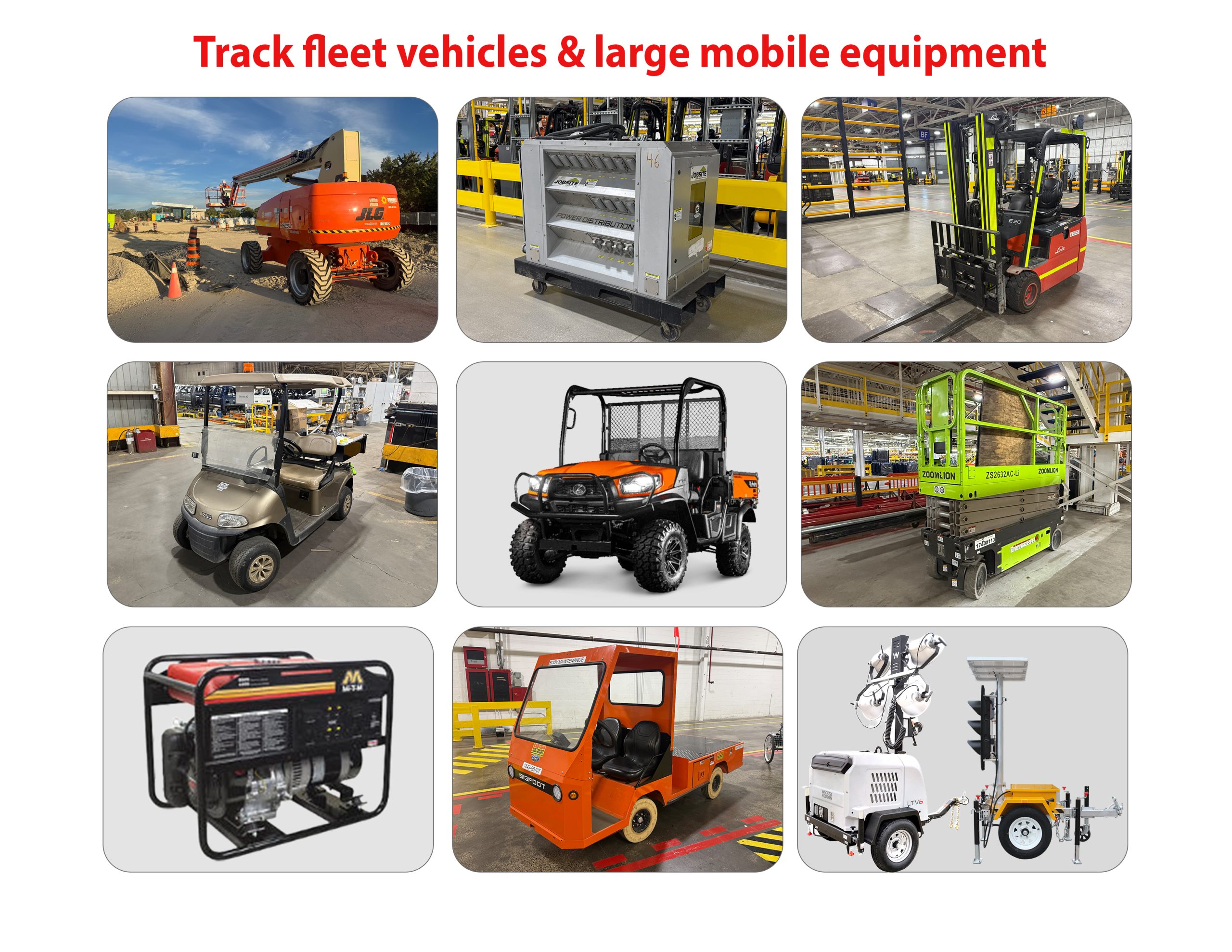
trac-it offers an effective solution for unique situations. It's not for everyone but for those who need it, trac-it is indespensible. The software has been specifially designed to be quick, efficient and thorough. Fast management, rich details, and solid retention. Our vast experience serving the construction industry has given us key insight into the logistics of mobile property. We feel that trac-it is a custom ready solution to manage valuable equipment in a constantly evolving environment.
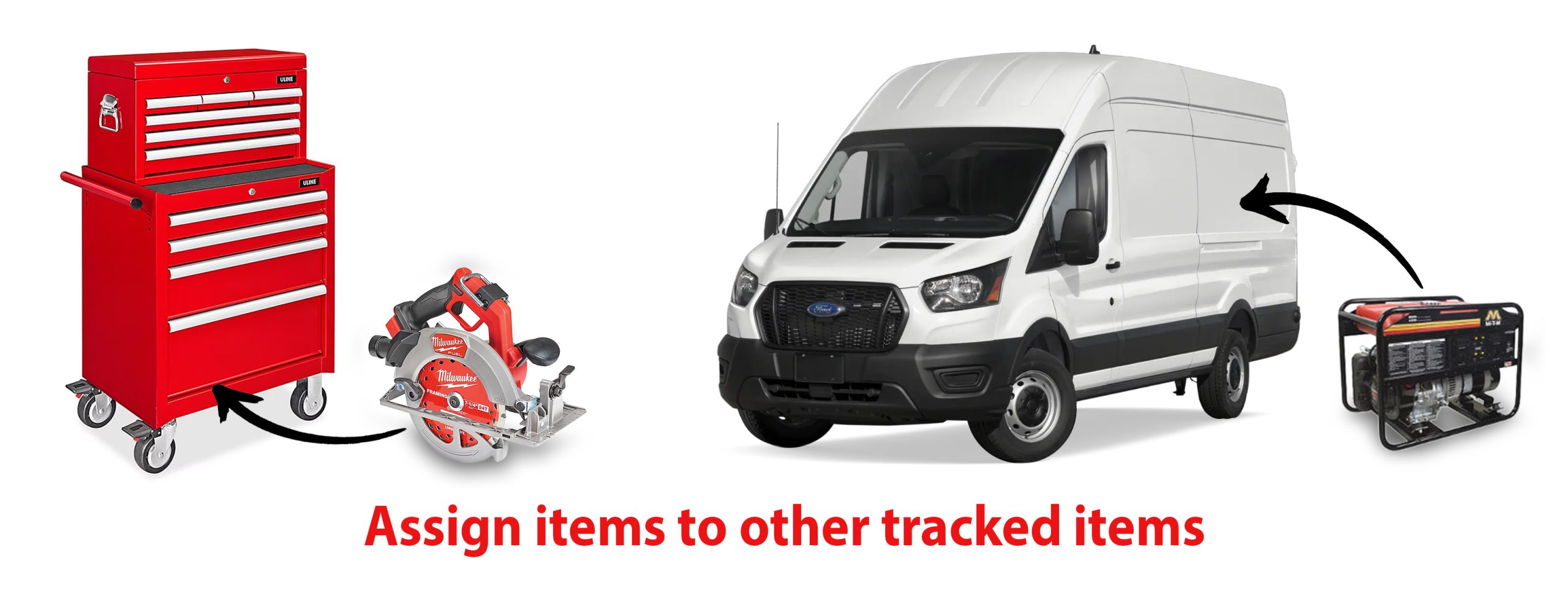
ASSIGN ITEMS INSIDE OTHER ITEMS
Sometimes a valuable tool needs to travel inside another larger mobile tool. When that happens to can assign your trackable item and it will move with the larger item globally in the database until it is released back into the un-deployed inventory or assigned to another item. eg. a specific power generator assigned to a numbered work truck in a fleet of 30 identical vehicles.
OUR STORY
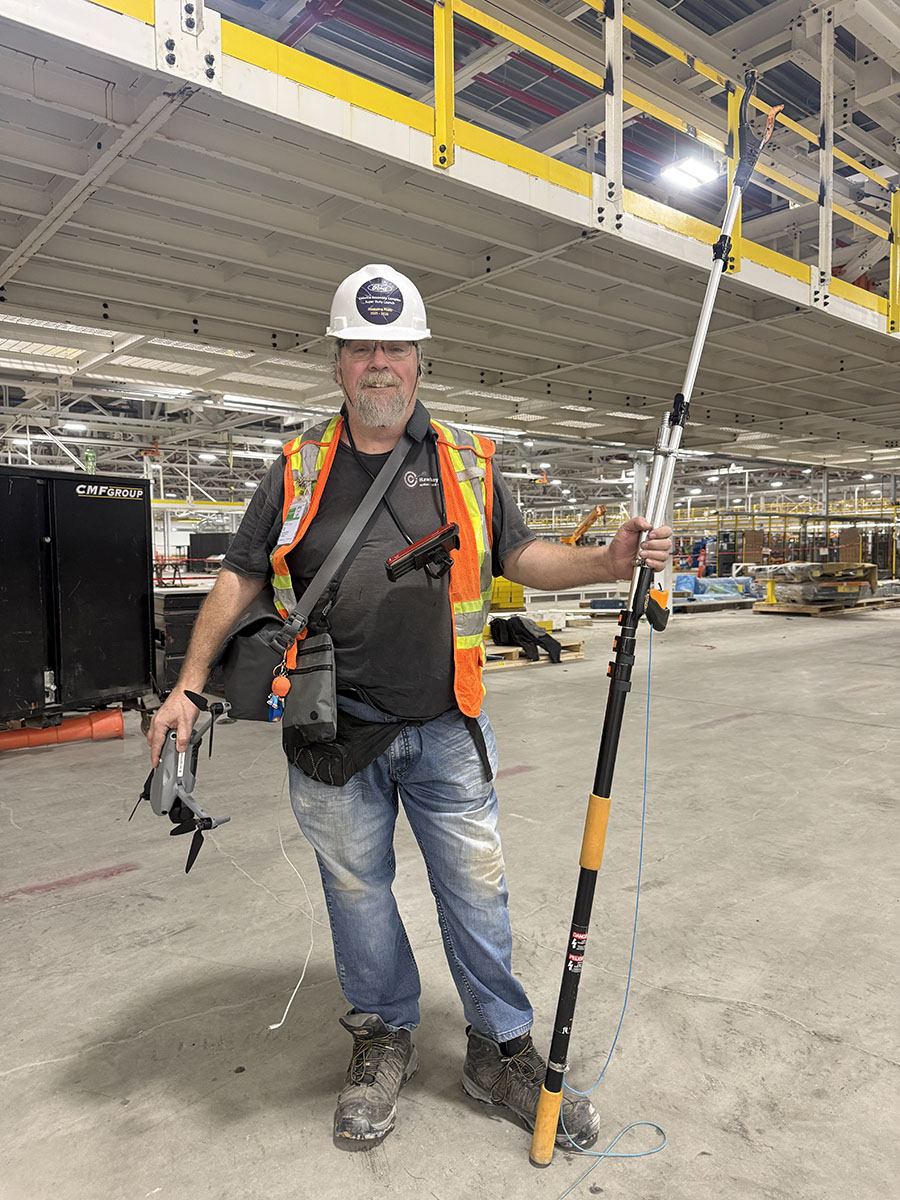
Our primary service is capturing construction timelapse videos. We deploy many cameras and gear across dozens of sites and in some cases facilities more than 1 million square feet in size. Keeping accurate notes on the location of our equipment is a challenge. Having tried numerous methods, the solution eventually came in the development of trac-it.
PLEASE PROVIDE YOUR FEEDBACK
As part of your agreement to take part in testing our app, we ask for your feedback to help us improve and prepare the app for public launch. After you have tested the features of trac-it, please use the form below to provide your feedback.
THANK YOU FOR PROVIDING YOUR FEEDBACK
You must be logged in to post a comment.